Instructions for use / How to fill
The person responsible for a filling site is obliged to instruct and train all persons authorised to operate the system. This training must be renewed annually and recorded in the so-called compressor log. In addition, every fill must be recorded in the compressor log – our system records fills and the operator; all necessary data is logged automatically.
Make sure the station is working properly before use. If you find a defect, please report it immediately to the station operator or via the contact form. Operating an obviously damaged station may be considered gross negligence. If you feel unsure or have any questions before operating the system, please also get in touch with us.
Only DIN connections are available at our stations. Adapters other than DIN-INT adapters are not permitted. Tested DIN-INT adapters are tolerated but not recommended – you are responsible for the suitability and inspection status of the adapter yourself; we accept no responsibility for operability with additional equipment.
To fill tanks and operate stations, every user needs a DiveAir.eu account, must be at least 18 years old, must have completed the online training and must have credit in their DiveAir account.
Stay with your tank for the entire fill and keep the page open. Reloading or pressing the back button does no harm – you always land in the current step.
Step 1: To start filling, you must be in the area of the station! Open the home page, log in with your account, go to the “Fill” section and tap “Start filling”. If your location can’t be determined, choose the station via “Select station directly”. Before starting, you’ll see your credit and roughly how many litres it covers.
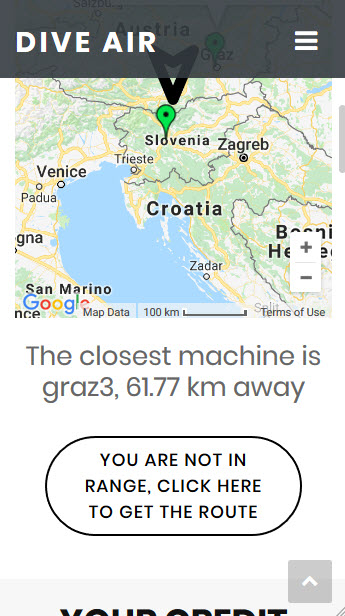
Step 2: There are three things to bear in mind before filling.
(a) Station free? Only one person can fill at a time (first come, first served). If the station is free, you can continue straight away. If it is currently in use, “Station busy” appears – keep the page open; it switches to “Start now” automatically as soon as the station is free. There is no waiting list.
(b) Confirm inspection date: you actively confirm that your tank’s inspection stamp (TÜV) is valid. If you have saved your tanks under “My tanks”, select the tank here – tanks with an expired inspection date are blocked. Not sure what a valid stamp looks like? → Checking your tank inspection (TÜV). If in doubt: don’t fill.
(c) Green start button: press the green start button on the station (not the red emergency stop) to confirm that you are on site. If you pressed it shortly before starting, this step is skipped.
Step 3: Connect your tank to the station. Make sure your tank is standing securely and the fill hose is not sharply bent. Now screw on the handwheel to create a tight connection (similar to fitting your regulator). Do not open your tank yet at this point!
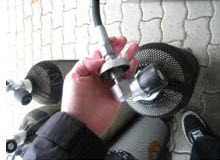
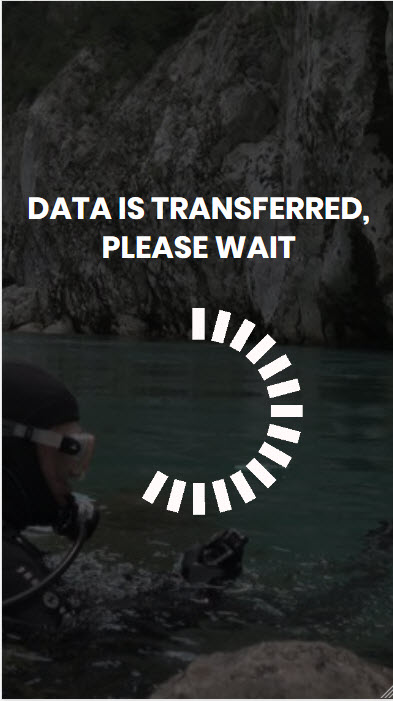
Step 4: Tap “Tank connected” (tank valve still closed!) – the station runs a pressure test to check that the connection is tight. If the tank is connected correctly, the station moves on to the next step – otherwise an error is shown and the pressure test must be repeated. If the test doesn’t work even though everything is connected correctly, please contact us. After every interaction and button press, a waiting screen is shown that forwards you automatically.
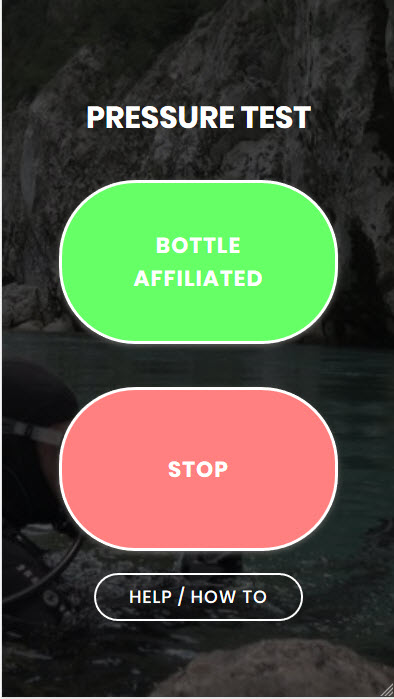
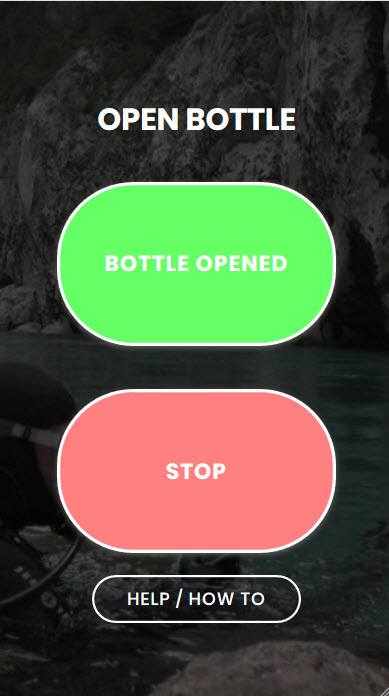
Step 5: Slowly open your tank and wait until the pressure has fully equalised (no more sound of flowing air). Now tap “Tank opened” – the station checks the tank pressure and starts the fill. If the fill doesn’t start, the pressure is either too high or too low. For safety reasons, we are not allowed to fill an empty tank (below 10 bar residual pressure) – please have it checked by a specialist dealer. “Topping up” (filling a filled tank that has cooled down again, e.g. filled to 220 bar, cooled down to 200 bar) works as soon as the tank pressure is more than approx. 10 bar below the station’s final pressure; if it’s only just below, the tank is already full.
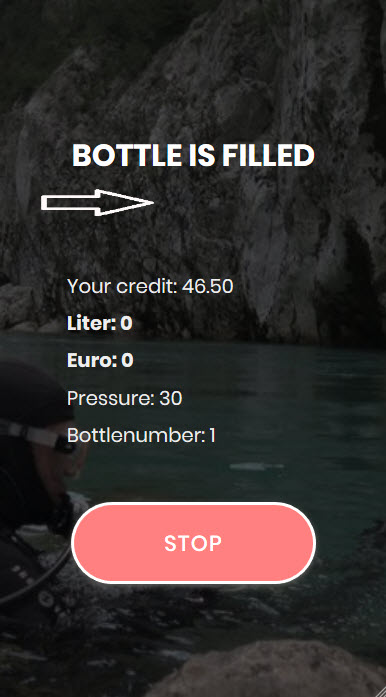
Step 6: The fill screen should now appear. The screen is continuously updated with the tank pressure, the current cost and the litres filled. The fill is stopped automatically when the target pressure is reached, when the maximum fill time runs out or if the pressure drops for unknown reasons. The station also stops if your credit runs out – you’ll never be charged more than your available credit.
Finishing early: tap “Stop” and close your tank valve. As soon as the station confirms the end, you’ll automatically move on to “Close tank”. (Stations with new controls stop about one second after “Stop”; with older ones, the fill only ends when the valve is closed or the tank is full.) In an emergency, press the red emergency stop button on the station: it closes the fill valve immediately and vents automatically; your session ends.
Our stations fill to a maximum of 225 bar and are protected against overpressure by a tested safety valve. You are responsible for knowing the maximum working pressure stamped on your tank (e.g. 200/232/300 bar) and for not exceeding it. If your tank’s permitted pressure is below 225 bar, end the fill yourself in good time: tap “Stop” and close your tank valve immediately – only closing the valve reliably ends the fill at all stations.
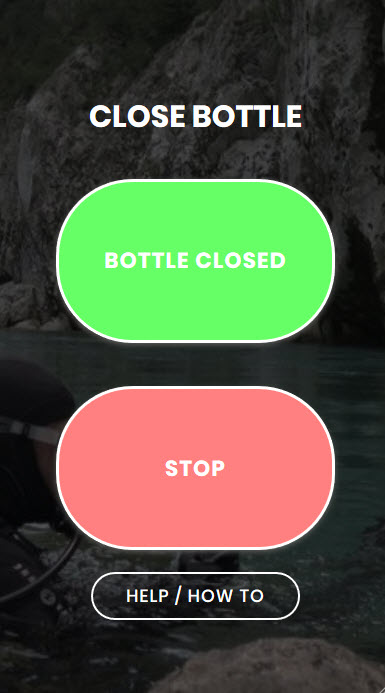
Step 7: Your tank is full – close the tank valve and tap “Tank closed” – the station vents the fill hose. If the pressure drops normally, the process is complete. If the pressure drops too slowly, this indicates that the tank valve is not yet closed – in this case, close the valve fully and tap “Try again”. Once the system is depressurised, the tank can be unscrewed.
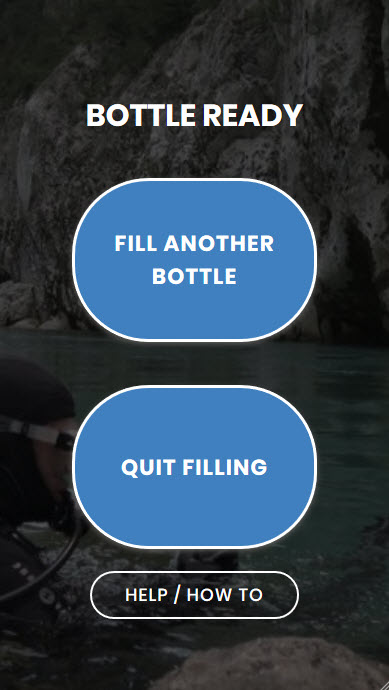
You can now decide whether to fill another tank or finish filling. For another tank, confirm the inspection date again (and select the tank if applicable) and tap “Fill another tank” – it then continues with step 3. With “Finish filling” you close the session and see litres and cost. Thanks for filling with us!
For safety reasons, the following steps are carried out automatically:
- If your phone stops responding (screen off, no signal), only the web session ends – after approx. 30 seconds before filling (verification/pressure test), otherwise after approx. 70 seconds. A running fill is never interrupted by this, and nothing is vented. When you reopen the page, you’ll see “Filling finished” with litres and cost. The fill hose is then still under pressure: close the tank valve and press the red emergency stop button – the station vents automatically. Then release the button.
- The fill ends automatically at the final pressure (up to 225 bar), after the maximum fill time of 10 minutes (stations with older controls: 5 minutes) or when your credit runs out. If the tank pressure drops during filling (confirmed by repeated measurement), the fill is also stopped.
- “Stop” during the fill: the station ends the fill and confirms this, then it moves on to “Close tank”. “Stop” in any other step cancels the process and vents the fill hose. As long as the emergency stop is pressed, filling is not possible.
- Emergency stop: the fill valve closes immediately and the station vents automatically. If a tank is connected and its valve is open, the tank pressure is also released. Once you release the button, you can start again.
Nitrox: nitrox is currently available at one station (TG Biber, Switzerland). When you’re there, the yellow “Start nitrox filling” button also appears – it starts the fill on the nitrox hose. The procedure is the same as above; you’re charged the station’s nitrox price. You need a valid nitrox certification and a tank that is suitable for nitrox and marked accordingly. Measure the oxygen content yourself before the dive and note it on the tank.
Sharing login details is strictly prohibited! Use of the stations is restricted to authorised persons who have completed the training – only one user per account is allowed.
Home page